
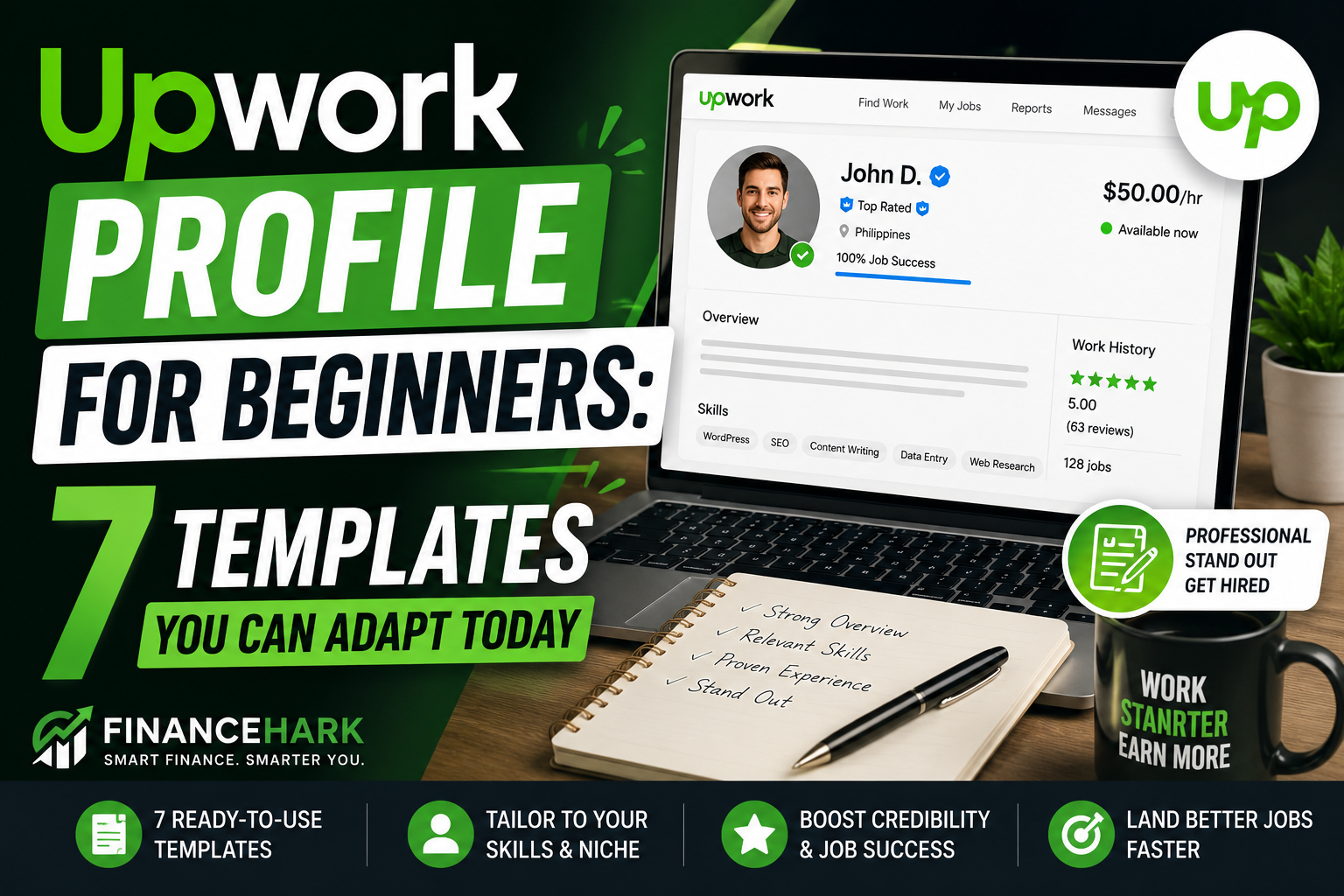
If your Upwork profile is vague, empty, or reads like a resume, clients usually skip right past it.
That does not mean you need ten years of experience or a wall of reviews to get work. It means you need a profile that makes a busy client think, “This person sounds clear, useful, and easy to hire.”
In this guide, I will show you exactly how to build that kind of profile with seven beginner-friendly templates you can adapt today. If you are still choosing what kind of work to offer, start with my guide to top niches on Upwork that pay over $30 an hour and come back here once you pick your lane.
What clients actually look for on a beginner profile
Most clients are not expecting perfection from a beginner.
They want quick proof that:
- you understand the kind of work they need
- you can communicate clearly
- your profile is focused
- your offer sounds useful, not random
That is why a simple, specific profile usually beats a generic one.
Bad beginner profile:
I am hardworking, passionate, and ready to learn new things.
Better beginner profile:
I help coaches and small business owners turn rough ideas into polished blog posts, email copy, and social captions.
The second version says who you help and what you do. That already puts you ahead of a lot of new freelancers.
Before you copy a template, choose one clear service
Do not try to be a writer, designer, editor, VA, marketer, and web developer all at once.
Pick one main service and let the rest support it.
Good beginner profile angles:
- blog writing
- Pinterest management
- short-form video editing
- virtual assistance
- product listing help
- email copywriting
- content repurposing
If you are building from scratch, you can also use a tool like GravityWrite to turn rough notes into cleaner profile copy. Just do not let AI make you sound inflated or fake. Keep it simple and believable.
Upwork profile structure that works
Your beginner profile should cover five things:
- A headline that says what you do.
- An opening line that calls out who you help.
- A short service list.
- Tools or workflow strengths.
- A soft CTA inviting the client to message you.
Now let us turn that into templates.
Template 1: Beginner blog writer
Headline
Blog Writer for Small Businesses | SEO Posts, Outlines, and Content Refreshes
Overview
I help small businesses and creators turn rough ideas into clear, useful blog content.
If you need blog posts that are easy to read, structured well, and written with search intent in mind, I can help. I focus on:
- blog post outlines
- long-form article writing
- article refreshes
- basic SEO formatting
I work in a simple, organized way and care about clear communication, clean structure, and deadlines.
If you already have ideas but need help turning them into finished content, feel free to message me.
Template 2: Virtual assistant beginner
Headline
Virtual Assistant for Busy Founders | Admin Support, Research, and Inbox Help
Overview
I help busy founders and small teams stay organized by handling repeatable tasks that eat up their time.
I can support you with:
- data entry
- web research
- email organization
- calendar updates
- file cleanup
I am detail-focused, responsive, and comfortable following clear systems. If you need reliable help with admin work so you can focus on bigger priorities, I would love to hear more about your workflow.
Template 3: Content repurposing freelancer
Headline
Content Repurposing Freelancer | Turn One Post Into Emails, Social Posts, and Shorts
Overview
I help creators and small brands get more mileage from the content they already made.
Instead of constantly starting from zero, I can turn one blog post, video, or podcast episode into:
- LinkedIn posts
- Instagram captions
- email newsletter drafts
- short-form scripts
- Pinterest pin copy
This is a great fit if you want to stay visible online without creating everything from scratch every day.
Template 4: Pinterest assistant beginner
Headline
Pinterest Assistant for Bloggers | Pin Titles, Descriptions, and Content Upload Support
Overview
I help bloggers and content creators organize Pinterest content so it is easier to publish consistently.
I can help with:
- pin title writing
- description writing
- keyword organization
- pin scheduling support
- blog post to pin workflow
If your content is already live but your Pinterest process feels messy, I can help make it more consistent and easier to manage.
Template 5: Short-form video editor beginner
Headline
Short-Form Video Editor | Reels, TikToks, and YouTube Shorts for Creators
Overview
I help creators turn ideas, scripts, or long videos into short-form content built for attention.
I can help with:
- captioned shorts
- simple cuts and pacing
- hook-first edits
- repurposing long videos into clips
If you want more short-form output without editing every clip yourself, I can help keep the process simple.
Template 6: Product listing and ecommerce support beginner
Headline
Ecommerce Product Listing Assistant | Titles, Descriptions, and Store Upload Support
Overview
I help online sellers clean up product listings so they are clearer, more consistent, and easier to manage.
I can assist with:
- product titles
- description formatting
- image organization
- spreadsheet cleanup
- listing updates
If you are behind on store admin and need someone detail-oriented to help, I am ready to jump in.
Template 7: LinkedIn content support beginner
Headline
LinkedIn Content Assistant | Posts, Hooks, and Personal Brand Support
Overview
I help founders, freelancers, and creators show up on LinkedIn with clearer content.
I can help with:
- post drafting
- hook writing
- content repurposing
- tone cleanup
- post formatting
If you have ideas but struggle to turn them into polished LinkedIn posts, I can help you keep your content moving.
What to add if you have no experience yet
This is where most beginners panic, but you still have options.
If you do not have client work yet, use:
- sample pieces
- mock projects
- personal projects
- before and after examples
- niche knowledge from your own experience
Example:
I do not have a long Upwork history yet, but I have already created sample blog structures, repurposed content workflows, and practice copy pieces so I can deliver organized work from day one.
That sounds much better than pretending you are already an expert.
Beginner mistakes that make profiles weaker
1. Trying to sound too impressive
Clients can smell inflated copy quickly. If you have not worked with Fortune 500 brands, do not hint that you have.
2. Listing too many services
Focus feels safer to clients. Broad profiles often read as unfocused.
3. Writing a biography instead of a service pitch
Your profile is not mainly about your life story. It is about the problem you solve.
4. Using empty phrases
Words like hardworking, dedicated, passionate, and go-getter do not help much without specifics.
5. Skipping a CTA
End your summary with a clear invitation to message you.
A simple formula if you want to write your own version
Use this:
I help [type of client] get [result] with [service]. I can help with [task], [task], and [task]. If you need [outcome], feel free to message me.
That is it. Clean beats complicated.
My honest advice if you are starting from zero
Do not spend three weeks polishing your Upwork profile while sending no proposals.
Get the profile to “clear and credible,” then start applying.
You will learn more from ten real job posts than from endlessly rewriting your overview.
Once your profile is live, pair it with a strong proposal system. My next recommended read is How I Got My First Freelance Client Using LinkedIn Posts and then The Fastest Way to Create a Freelance Portfolio With AI.
Final thoughts
The best Upwork profile for a beginner is not the fanciest one.
It is the one that makes the client understand, within a few seconds, what you do and why they should keep reading.
Start narrow. Sound human. Show usefulness. Then let your proposals and first few jobs do the rest.
If you want a faster way to clean up your wording, GravityWrite can help you polish your draft without turning it into stiff corporate fluff.
FAQ
What is the best Upwork profile for beginners?
The best Upwork profile for beginners is one focused on a single service, a clear client type, and a simple explanation of what result you help deliver.
Can I get hired on Upwork without experience?
Yes, but you need a focused offer, relevant samples, and proposals that show you understood the client’s job.
How long should an Upwork profile overview be?
Aim for a few short paragraphs that are easy to skim. Clear and specific beats long and generic.
Should I use AI to write my Upwork profile?
AI can help you clean up rough writing, but the final copy should still sound like you and match your actual skill level.
FinanceHark Product
Get the full system behind clearer offers and stronger launches.
The FinanceHark Online Income System bundles the templates, scripts, prompts, and launch assets that make digital offers easier to build and sell.
- Templates, prompts, scripts, and workbook tools
- Instant access after successful payment
- Built for freelancers, creators, and digital sellers
Why this article is easier to trust
FinanceHark focuses on practical guides, transparent recommendations, and updates that make articles easier to use in the real world.
- Read how content is researched and updated in our Editorial Policy.
- See how affiliate relationships are disclosed on our Disclosure page.
- Use Start Here if you want a quicker route into the rest of the site.