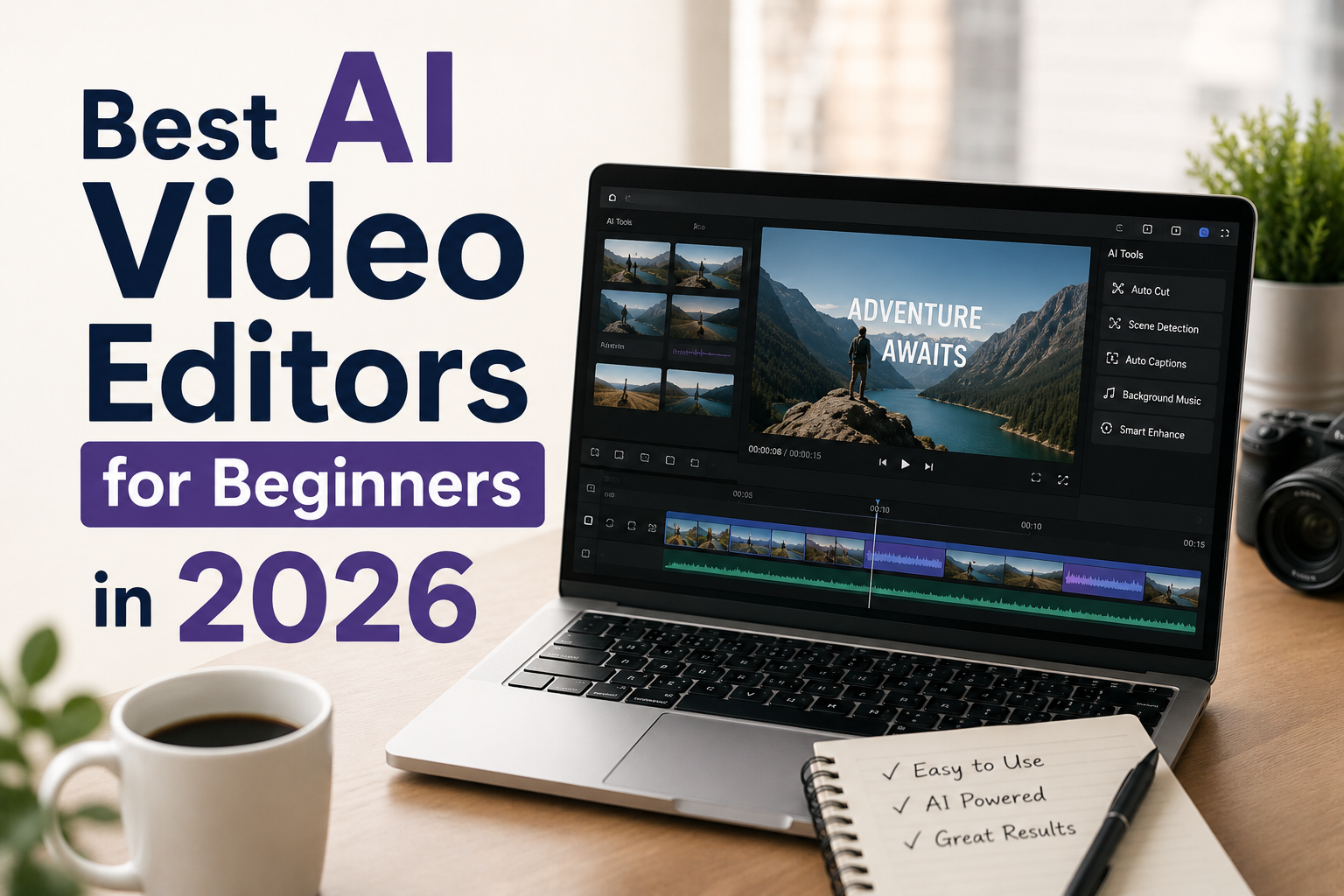
The best AI video editor for beginners is not the tool with the most features.
It is the tool that gets you from idea to finished video without making you feel like you need a film degree first.
That is the standard I care about in this roundup.
So instead of chasing pro-level software for the sake of it, I am focusing on beginner use cases:
- turning text into video
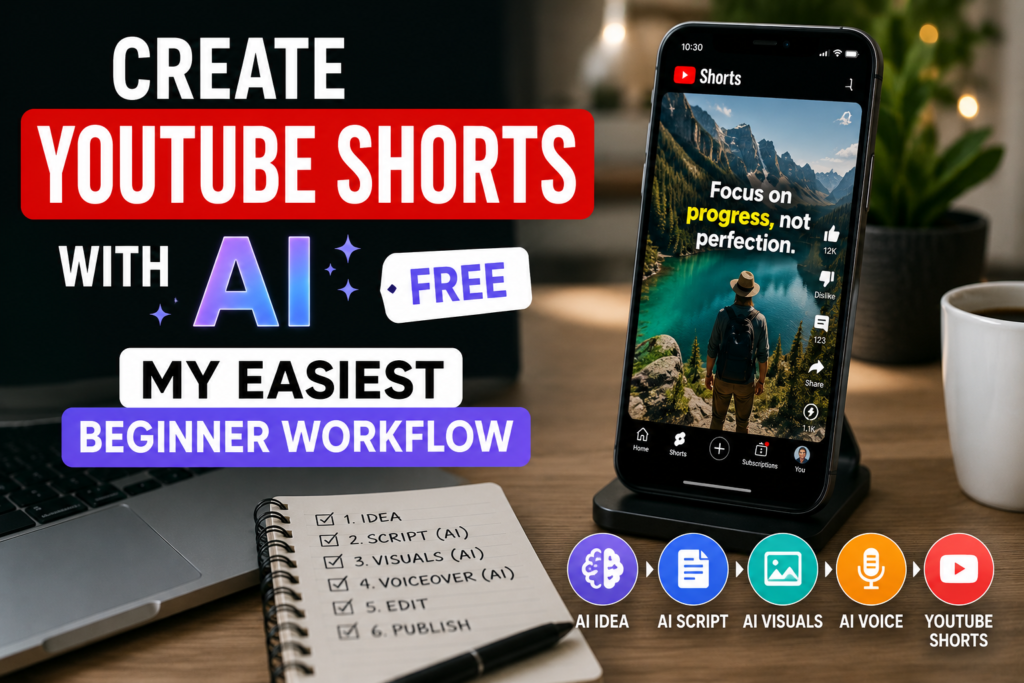
- making YouTube Shorts or Reels
- adding captions fast
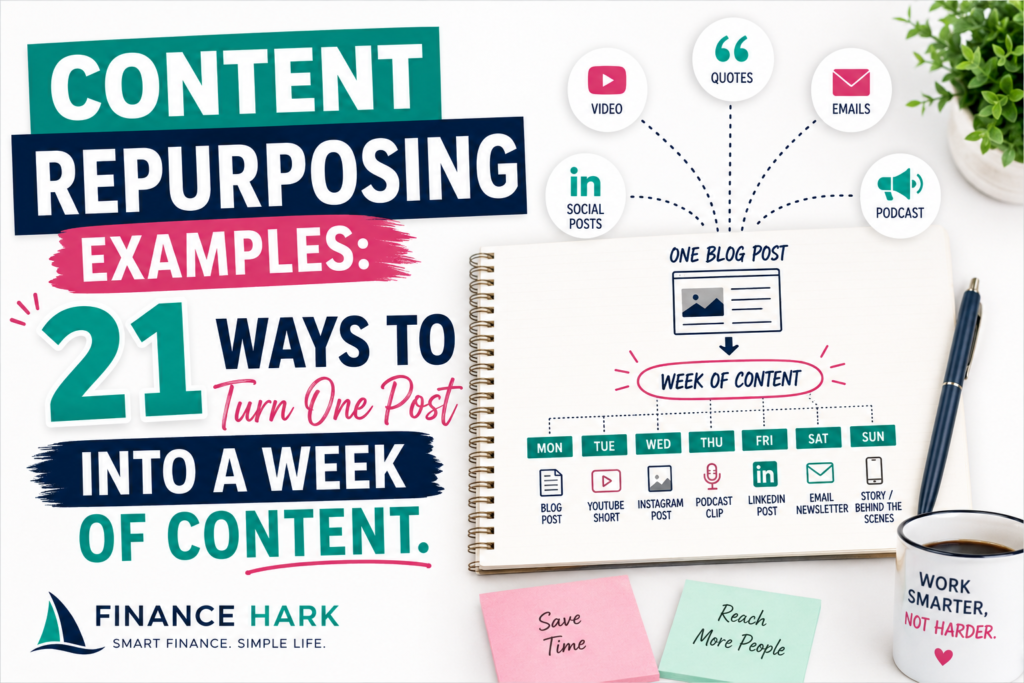
- repurposing blog or long-form content
- editing without getting lost
What beginners should care about most
Before we get into the tools, here is what matters most at the start:
- ease of use
- AI help that actually saves time
- export formats for short-form content
- captioning and pacing tools
- whether the tool works well for your type of content
If a tool is technically powerful but confusing, it is not beginner-friendly.
My top picks at a glance
Best overall for speed and fast output
InVideo
Best for creators who also want design flexibility
Canva
Best free-feeling option for social-first editing
CapCut
Best for turning scripts, URLs, or long content into videos
Pictory
Best for spoken content, transcripts, and cleanup
Descript
1. InVideo
If your biggest goal is to turn ideas, scripts, or blog-style content into usable video fast, InVideo is still one of the easiest places to start.
Why it works for beginners:
- you can start from prompts or scripts
- it is built for fast assembly, not overly technical editing
- it fits short-form and social content well
- it is beginner-friendly without feeling toy-like
Their help center also confirms there is a free plan, and their current plan structure is built around credits for creation and AI features.
Best for:
- faceless content
- blog-to-video workflows
- Shorts and Reels production
- freelancers serving small businesses
If you want my deeper breakdown, read InVideo Review 2025: Pros, Limits, and Who It Fits Best.
And if you want to try it, here is the link I would use: InVideo.
2. Canva
A lot of people still think of Canva as just a graphic design tool, but the platform keeps pushing deeper into video.
Its official feature pages highlight things like:
- AI video editing support
- Beat Sync
- animations
- background tools
- collaborative editing
That makes Canva a strong fit for beginners who already use it for graphics, lead magnets, or brand assets and want one place to make simple videos too.
Best for:
- creator brands
- educational or promo videos
- simple social clips
- people who value design flexibility
Canva is especially good if your workflow already lives there.
3. CapCut
CapCut remains a go-to for beginners who want a fast, social-first editing environment.
Its current desktop feature page emphasizes AI tools like:
- script to video
- auto captions
- auto reframe
- smart search
- filler word cleanup
That is a very attractive mix for short-form creators.
Best for:
- TikTok-style edits
- fast captioned clips
- short-form experimentation
- creators who want a free-feeling on-ramp
CapCut makes sense when your biggest priority is getting short videos out quickly.
4. Pictory
Pictory is especially interesting if your content starts as written material.
Its current product pages emphasize:
- text to video
- URL to video
- audio to video
- prompt-based creation
- PPT to video
- auto captions and voiceover options
That makes it a strong beginner choice for bloggers, educators, or marketers repurposing long-form content.
Best for:
- turning articles into videos
- training content
- repurposing webinars or scripts
- creators who want an AI-first workflow
5. Descript
Descript deserves a spot because beginners working with spoken content often need less “cinematic editing” and more “make this usable fast.”
Its AI video editor direction now leans heavily into transcript-based editing and AI assistance through Underlord, which is helpful if you are editing:
- talking-head content
- tutorials
- interviews
- podcast-style videos
Best for:
- editing by transcript
- cleaning up spoken content
- teams making educational or interview content
Which AI video editor should beginners choose?
Here is the short answer.
Choose InVideo if you want the best mix of AI help, ease, and content-to-video speed.
Choose Canva if you already live inside Canva and want lightweight video creation in the same ecosystem.
Choose CapCut if your world is short-form social and you want the easiest path into trendy editing.
Choose Pictory if your raw material is blogs, scripts, URLs, or presentations.
Choose Descript if your content is voice-heavy and transcript-driven.
My honest ranking for absolute beginners
- InVideo
- Canva
- CapCut
- Pictory
- Descript
That order is about beginner ease and practical speed, not about which tool has the biggest feature set.
What beginners should avoid
Do not chase complexity too early
If you are still learning hooks, pacing, captions, and structure, you do not need the most advanced timeline in the world.
Do not choose based only on price
Cheap and confusing can still cost you time.
Do not force one tool to do everything
Sometimes the best setup is:
- one tool for design
- one tool for assembly
- one tool for editing or caption cleanup
Final thoughts
The best AI video editor for beginners in 2026 is the one that removes friction fast enough for you to keep creating.
For most new creators, that means starting with a tool like InVideo, learning a repeatable workflow, and only then branching out when your needs become more specific.
Simple beats impressive when the goal is actually publishing.
FAQ
What is the best AI video editor for beginners?
For most beginners, InVideo is one of the best starting points because it balances AI help, ease of use, and fast output well.
Is there a free AI video editor for beginners?
Yes. Several tools offer free entry points or limited free plans, including platforms with strong beginner workflows.
Which AI video editor is best for YouTube Shorts?
For Shorts, tools like InVideo and CapCut are usually the easiest starting points for fast social-first editing.
Which AI video editor is best for turning blogs into videos?
Tools like InVideo and Pictory are strong fits when your content starts as written material.
FinanceHark Product
Get the full system behind clearer offers and stronger launches.
The FinanceHark Online Income System bundles the templates, scripts, prompts, and launch assets that make digital offers easier to build and sell.
- Templates, prompts, scripts, and workbook tools
- Instant access after successful payment
- Built for freelancers, creators, and digital sellers
Why this article is easier to trust
FinanceHark focuses on practical guides, transparent recommendations, and updates that make articles easier to use in the real world.
- Read how content is researched and updated in our Editorial Policy.
- See how affiliate relationships are disclosed on our Disclosure page.
- Use Start Here if you want a quicker route into the rest of the site.
Related reading