If you are still creating every piece of content from scratch, you are making online growth harder than it needs to be.
The smarter move is content repurposing.
And no, that does not mean lazily reposting the same thing everywhere.
It means taking one strong idea and reshaping it for different channels, formats, and attention spans.
That is how small creators and bloggers stay visible without burning out.
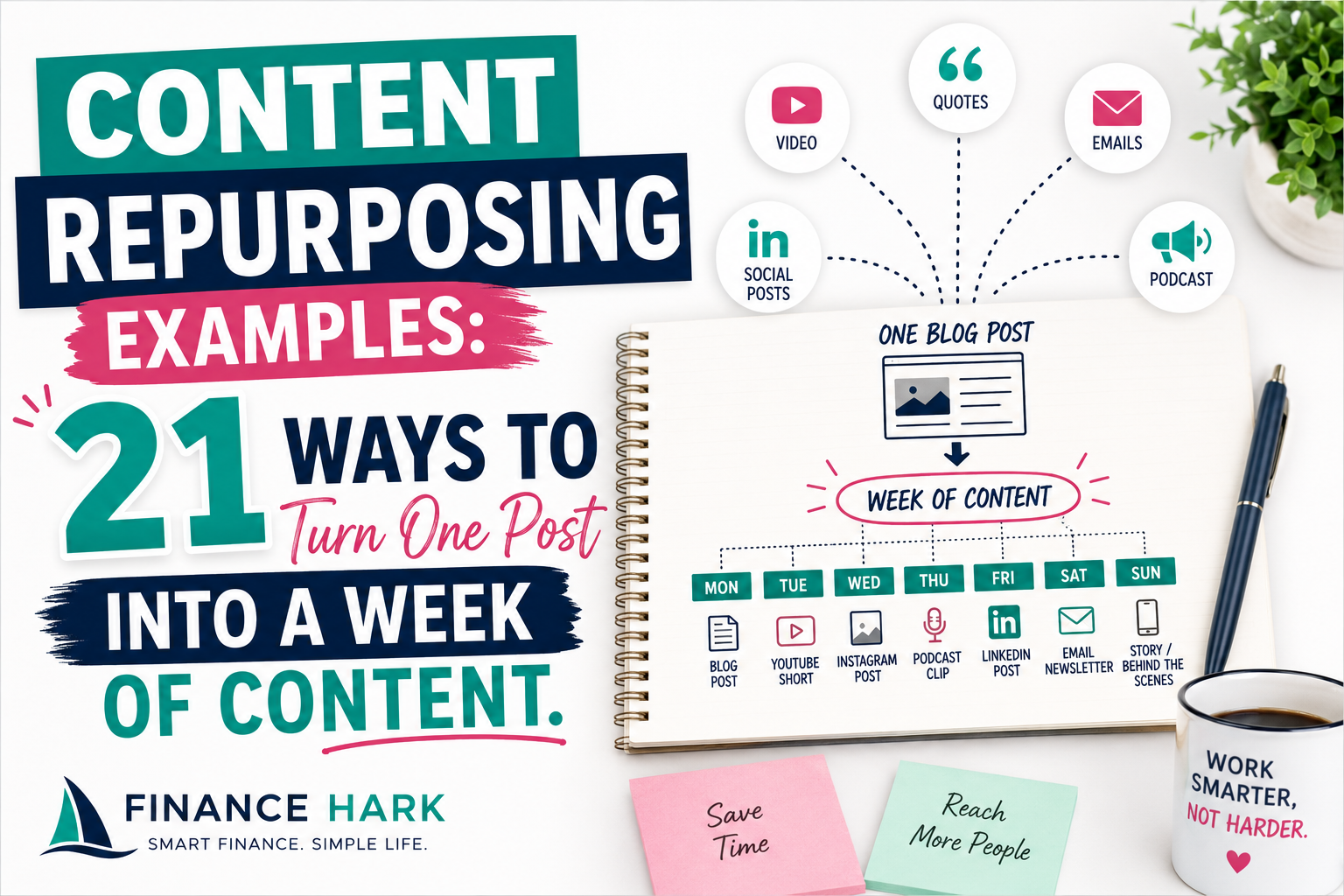
I have already written about repurposing long posts into tweets, threads, and reels. This article goes broader and gives you 21 practical content repurposing examples from one source asset.
Start with one strong source piece
Content repurposing only works well when the original piece is solid.
That source can be:
- a blog post
- a podcast episode
- a YouTube video
- a newsletter issue
- a webinar
For this article, let us assume the source piece is one strong blog post.
21 content repurposing examples from one blog post
1. Turn the intro into a LinkedIn post
Most blog intros can become a short platform-native opinion post with one lesson and a CTA.
2. Turn the key points into a carousel
Perfect for Instagram or LinkedIn if the post naturally breaks into steps.
3. Turn the main takeaway into an email
One idea. One story. One CTA back to the full post.
4. Turn a section into a short video script
This works especially well for:
- myth busting
- quick how-to tips
- beginner mistakes
5. Turn the headline into multiple Pinterest pin angles
Same URL. Different packaging.
6. Turn the checklist section into a lead magnet
This is one of the easiest upgrades to create from an existing article.
7. Turn the examples into a thread
List-style posts repurpose beautifully into threads or mini-series.
8. Turn one quote or stat into a graphic
Good for visual hooks and shareability.
9. Turn the FAQ into short-form captions
Each FAQ answer can become a single social post.
10. Turn a process section into a YouTube outline
You do not need a full script right away. The structure is already there.
11. Turn a tutorial into a screen-record walkthrough
Especially useful for tool-based content.
12. Turn a comparison section into a decision post
Example:
- Which tool should beginners choose?
- Which platform is better for small creators?
13. Turn the subheads into tweet-sized hooks
Subheads are often ready-made thought starters.
14. Turn the article into a speaking outline
Useful for workshops, podcasts, or live streams.
15. Turn examples into case-style posts
One example can become its own small piece of content with extra context.
16. Turn one article into multiple reel hooks
Examples:
- The mistake beginners make with X
- The simple way I do X
- Stop doing X if you want Y
17. Turn the main post into a blog summary video
If you want the easiest route here, InVideo is still one of the cleanest tools for turning blog content into simple video drafts without starting from an empty timeline.
18. Turn lessons into a newsletter series
One long article can easily become a 3-part email series.
19. Turn the research into community posts
This works for LinkedIn, Facebook groups, or creator communities.
20. Turn a framework into a downloadable template
This is where repurposing crosses into monetization.
21. Turn the article into an internal linking hub
A strong post can connect multiple related articles and keep users moving through your site.
Why this matters more than ever
Repurposing is not just about productivity.
It helps with:
- consistency
- reach
- platform fit
- stronger ROI from your ideas
Instead of needing seven new ideas, you can stretch one good one across seven formats.
How to repurpose without sounding repetitive
This is the part that scares people, but the fix is simple.
Change at least one of these:
- format
- hook
- level of detail
- audience angle
- CTA
Same idea does not have to mean same expression.
My favorite low-effort repurposing stack
If I had one blog post and wanted fast mileage, I would do this:
- LinkedIn post
- email version
- Pinterest pin set
- short video script
- lead magnet checklist
That gives you traffic, relationship, and repurposing depth without a giant workload.
Where creators waste time with repurposing
1. Repurposing weak content
Start with the best piece, not the filler.
2. Using the exact same wording everywhere
That is reposting, not repurposing.
3. Creating too many formats at once
Pick a small repeatable stack first.
4. Ignoring the call to action
Every repurposed asset should know where it wants to send people next.
Final thoughts
The best content repurposing examples are not complicated.
They are strategic.
One strong post can become a week of assets, a lead magnet, a video, multiple social hooks, and stronger internal links if you approach it with structure instead of randomness.
That is how small sites and solo creators create more momentum from less effort.
FAQ
What is content repurposing?
Content repurposing is taking one original piece of content and reshaping it into multiple formats or channel-specific assets.
What are the best content repurposing examples for bloggers?
Some of the best examples include turning a post into LinkedIn content, email content, Pinterest pins, short videos, and lead magnets.
How many times can I repurpose one blog post?
Often much more than people expect, as long as each version is adapted for the new format and audience context.
What is the easiest tool for turning blog posts into videos?
For fast beginner-friendly blog-to-video workflows, tools like InVideo are one of the easiest places to start.
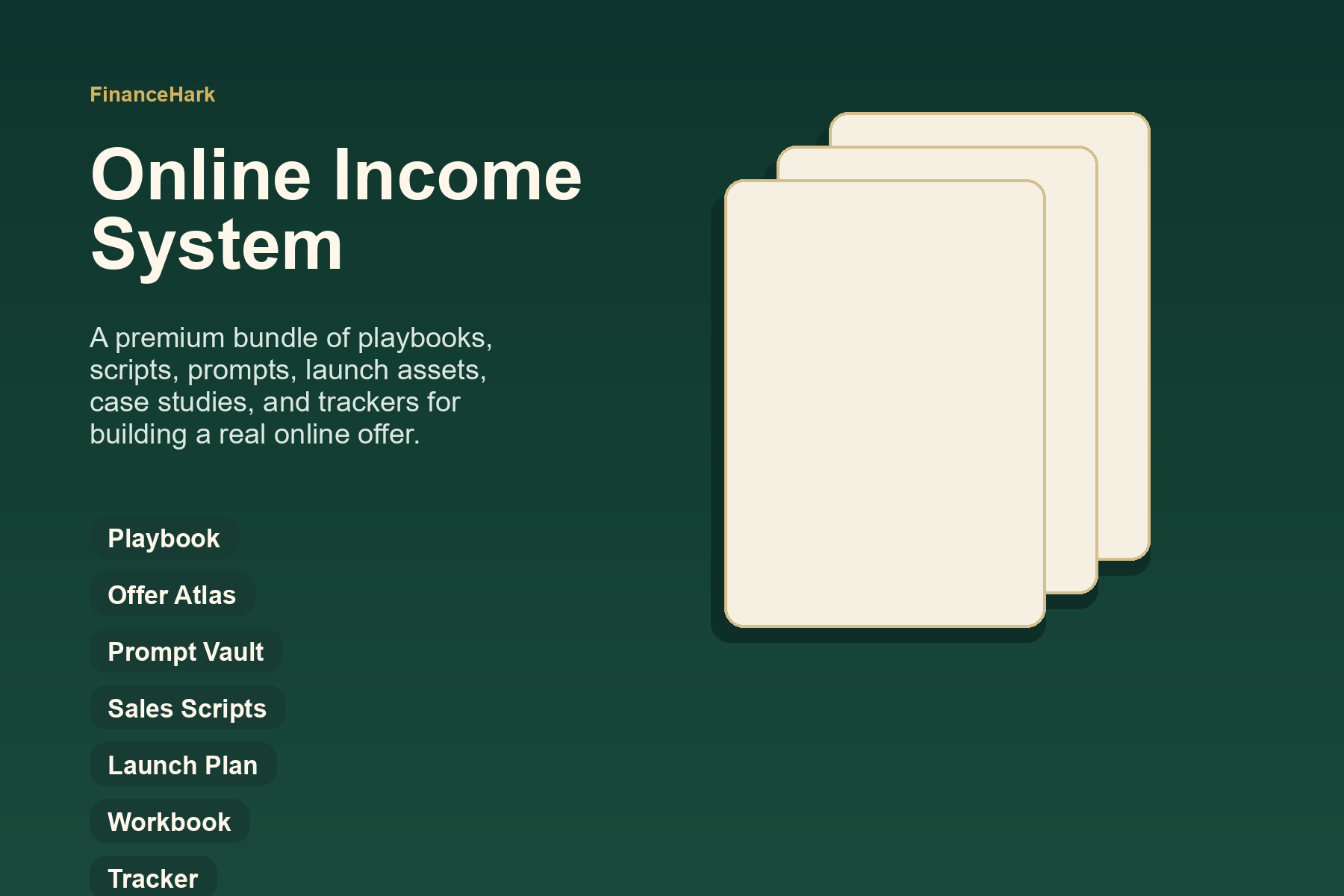
FinanceHark Product
Get the full system behind clearer offers and stronger launches.
The FinanceHark Online Income System bundles the templates, scripts, prompts, and launch assets that make digital offers easier to build and sell.
- Templates, prompts, scripts, and workbook tools
- Instant access after successful payment
- Built for freelancers, creators, and digital sellers
Why this article is easier to trust
FinanceHark focuses on practical guides, transparent recommendations, and updates that make articles easier to use in the real world.
- Read how content is researched and updated in our Editorial Policy.
- See how affiliate relationships are disclosed on our Disclosure page.
- Use Start Here if you want a quicker route into the rest of the site.
Related reading