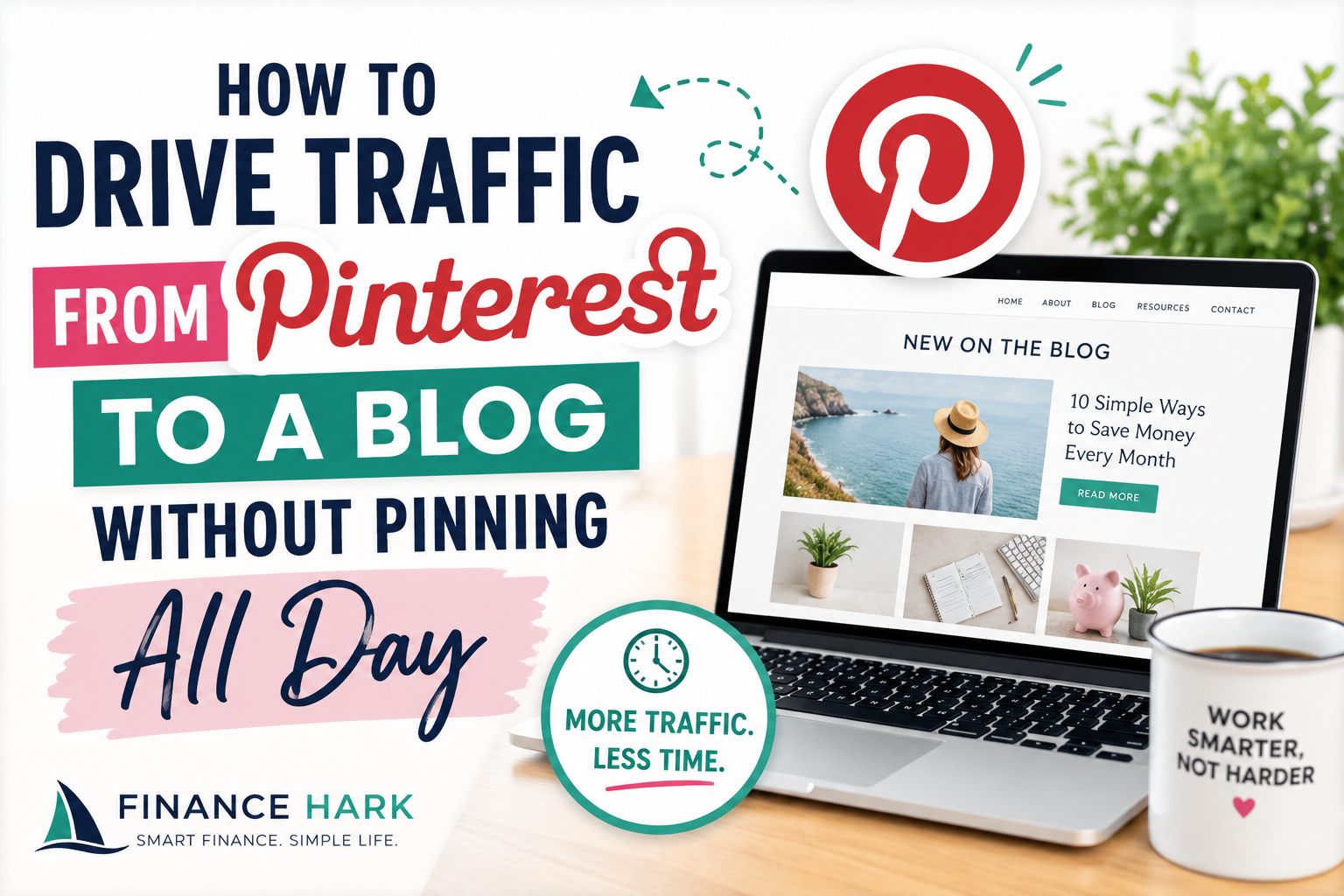
If your goal is to drive traffic from Pinterest to a blog, you do not need to turn into a full-time pinner.
You need a tighter system.
The mistake a lot of bloggers make is thinking Pinterest traffic comes from volume alone. In reality, traffic usually comes from alignment:
- the right topic
- the right title
- the right pin hook
- the right destination page
Once those line up, you can get more from fewer actions.
First, accept what Pinterest actually rewards
Pinterest is not really rewarding “activity” by itself.
It is rewarding useful content packaged in a way people understand and want to click.
So if you are posting weak pins to weak posts, pinning more often will not magically solve the problem.
The simplest traffic model for bloggers
Here is the model:
- Publish one article with real search intent.
- Create several fresh pins with different hooks.
- Point them to the same strong post.
- Improve the post if clicks do not turn into engagement.
- Repeat with the next article.
That is much more sustainable than trying to create endless new content just for Pinterest.
Choose blog posts that are naturally clickable
Some posts are better at attracting Pinterest traffic than others.
Good examples:
- step-by-step tutorials
- checklists
- templates
- examples
- beginner guides
- mistakes posts
- “best tools” roundups
Weak examples:
- vague opinion posts
- highly personal stories with no clear takeaway
- unclear titles
If the article title does not promise a clear outcome, it will be harder to get clicks from Pinterest.
Use pin hooks that sound like the search
A lot of bloggers overdesign pins and underwrite them.
Your hook matters.
Strong Pinterest pin hooks include:
- How to get blog traffic from Pinterest
- Pinterest strategy for bloggers
- Beginner Pinterest workflow for small blogs
- Pinterest mistakes bloggers make
- How I repurpose one post into multiple pins
The title overlay should be readable in a second or two.
Make multiple pins for one post
This is where your time gets leveraged better.
One article can create:
- one beginner pin
- one checklist pin
- one mistake-based pin
- one fast-result pin
- one simple-system pin
The destination URL stays the same, but the angle changes.
That is how you test what your audience actually responds to without constantly creating new articles.
Improve the destination page, not just the pin
Traffic grows faster when the landing page is worth landing on.
Your article should have:
- a strong intro
- scannable formatting
- clear subheads
- internal links
- a next step or CTA
If users click through and bounce immediately, the pin was not the only problem.
A better use of time for busy bloggers
If you only have one hour, do this:
15 minutes
Choose one post worth pushing.
20 minutes
Write 3 to 5 pin hook variations.
20 minutes
Create those pin designs.
5 minutes
Review whether the article itself is clear enough to convert the click.
That is much more effective than logging in every day just to pin something random.
The biggest reasons Pinterest traffic stays low
1. The article title is too weak
If the post does not sound useful, the pin has to work too hard.
2. The pin hook is vague
Pretty does not beat clear.
3. The page is slow or messy on mobile
Pinterest users often click from mobile devices. If the page loads badly, you lose them fast.
4. There is no content system behind the blog
Pinterest works better when it is plugged into a repeatable publishing process.
Use Pinterest as part of a content engine
This is the smarter way to think about it.
You are not just making pins.
You are building a workflow like this:
- publish article
- create fresh pins
- add internal links
- optionally turn the article into video or email
That is why Pinterest pairs well with broader content repurposing. If you want to expand that idea, read How Bloggers Can Use Video to Boost Traffic and Engagement after this.
What I would focus on for FinanceHark specifically
On your site, I would push Pinterest traffic hardest toward:
- beginner blogging posts
- freelance templates
- Notion or digital product content
- Etsy and print-on-demand content
- creator workflow content
Those topics naturally lend themselves to search-style clicking and visually packaged ideas.
Final thoughts
If you want to drive traffic from Pinterest to a blog, stop thinking in terms of pinning more and start thinking in terms of matching better.
Match the topic to the search. Match the hook to the problem. Match the pin to the page.
That is the system.
And once it clicks, you do not need to pin all day to see movement.
FAQ
How do bloggers get traffic from Pinterest?
Bloggers get traffic from Pinterest by publishing useful search-friendly posts and creating multiple fresh pins that match the topic clearly.
How many pins should I make for one blog post?
A practical starting point is several fresh variations from one article so you can test different hooks without needing new content each time.
Why am I getting Pinterest impressions but no clicks?
Usually the hook is too vague, the design is unclear, or the destination page is not strong enough to earn the click.
Do I need to pin every day to get Pinterest traffic?
Not necessarily. A focused system around good content and fresh pin angles often beats constant random activity.
FinanceHark Product
Get the full system behind clearer offers and stronger launches.
The FinanceHark Online Income System bundles the templates, scripts, prompts, and launch assets that make digital offers easier to build and sell.
- Templates, prompts, scripts, and workbook tools
- Instant access after successful payment
- Built for freelancers, creators, and digital sellers
Why this article is easier to trust
FinanceHark focuses on practical guides, transparent recommendations, and updates that make articles easier to use in the real world.
- Read how content is researched and updated in our Editorial Policy.
- See how affiliate relationships are disclosed on our Disclosure page.
- Use Start Here if you want a quicker route into the rest of the site.
Related reading